Section C · Install notes
Live22 on Android, iPhone, Windows and Mac: install notes
Live22 shipped four builds, Mac included. Notes on each install, the iPhone trust screen, and the YouTube shows the lobby used to link to.
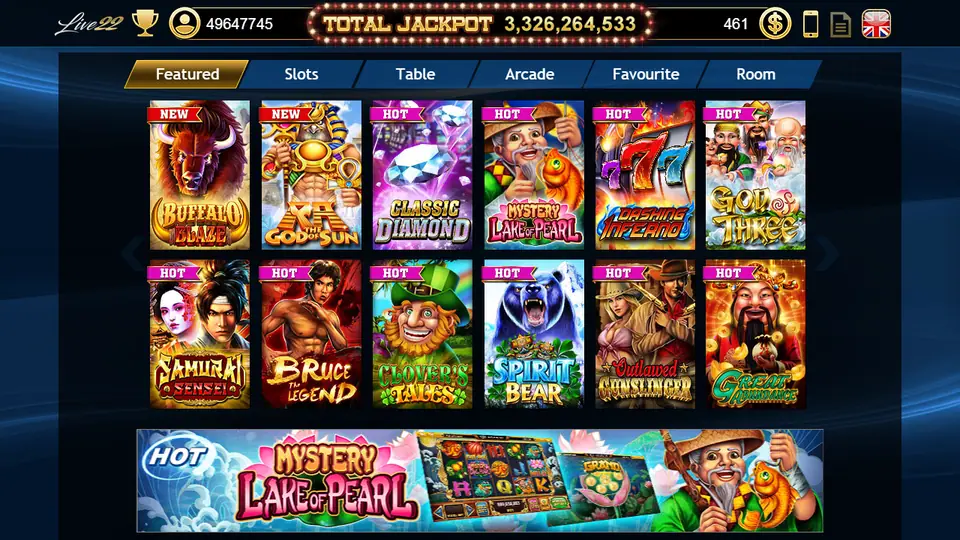
Live22's old download page stood out for one reason: it had four buttons, not three. Alongside iOS, the Android APK and a Windows exe, it offered a Mac package, which almost none of the other apps on this site ever did. That made Live22 one of the few you could run on a MacBook without an emulator.
Those files were hosted on 918.credit and have been removed. Builds from that era will not log in to the current servers, and an installer that has sat on the web for years is not something to trust with your computer. For the current version, ask your provider for the Live22 app link and use only what they send.
iPhone: trusting Lucky8 Technology
The iOS build is signed with an enterprise certificate, which in the old screenshots belongs to "iPhone Distribution: Lucky8 Technology Inc." That is a certificate holder, not a statement about who runs the game, and it changes when the certificate does.
The first launch fails with an Untrusted Enterprise Developer message. Open Settings, then General, then VPN & Device Management (plain Device Management on older iOS). Lucky8 Technology Inc. is listed under Enterprise App.
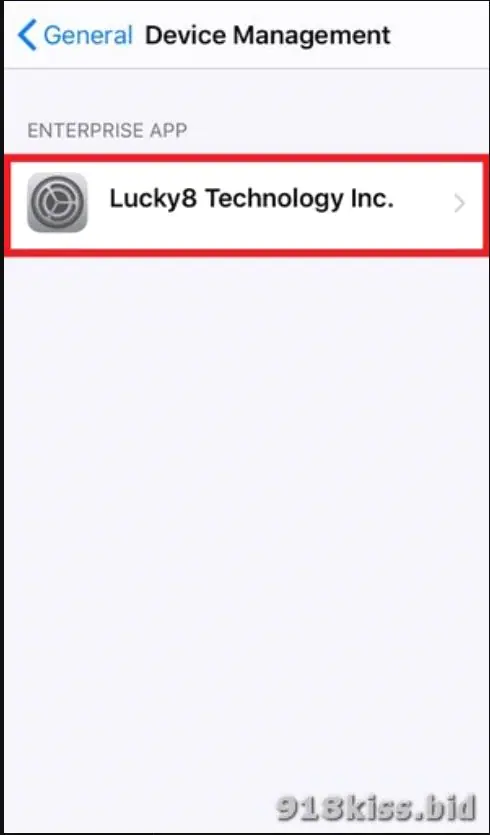
Tap it, then the blue Trust link. iOS puts up a second box warning that trusting lets this developer's apps run and may give them access to your data, with Cancel and Trust side by side.
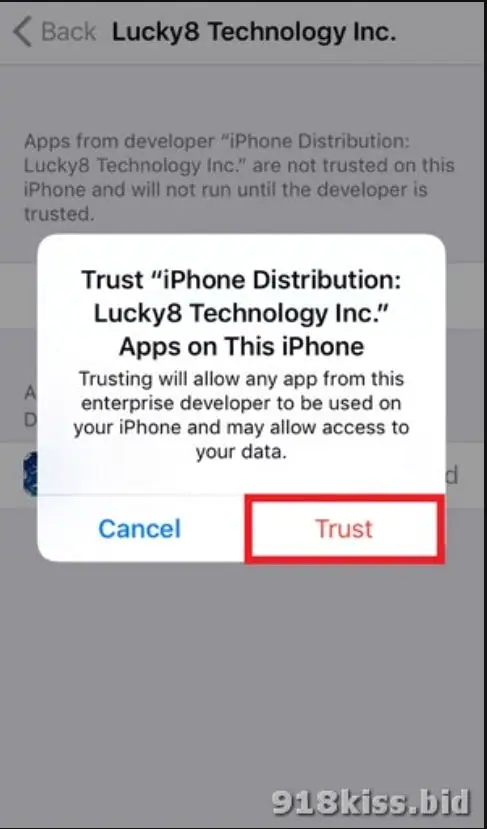
Tap Trust and Live22 shows as Verified. If the icon later stops opening, the certificate has most likely been revoked. Delete the app and reinstall from a fresh link; your credit is kept on the server, not on the phone.
Android, Windows and Mac
Android: download the APK, allow your browser to install unknown apps when asked, install, then turn that permission off again.
Windows and Mac: ask first whether a desktop build is still supported. If you get one, scan it before running it. On a Mac, macOS will warn that the package is from an unidentified developer. Open it only if it came straight from your provider, and do not switch off Gatekeeper system-wide to do it.
The Live Show and Live Tournament buttons
The lobby bar at the bottom carries Favourite, Recently Played and two buttons you do not see in most of these apps: Live Show and Live Tournament. Around 2019 these linked to streams on YouTube.
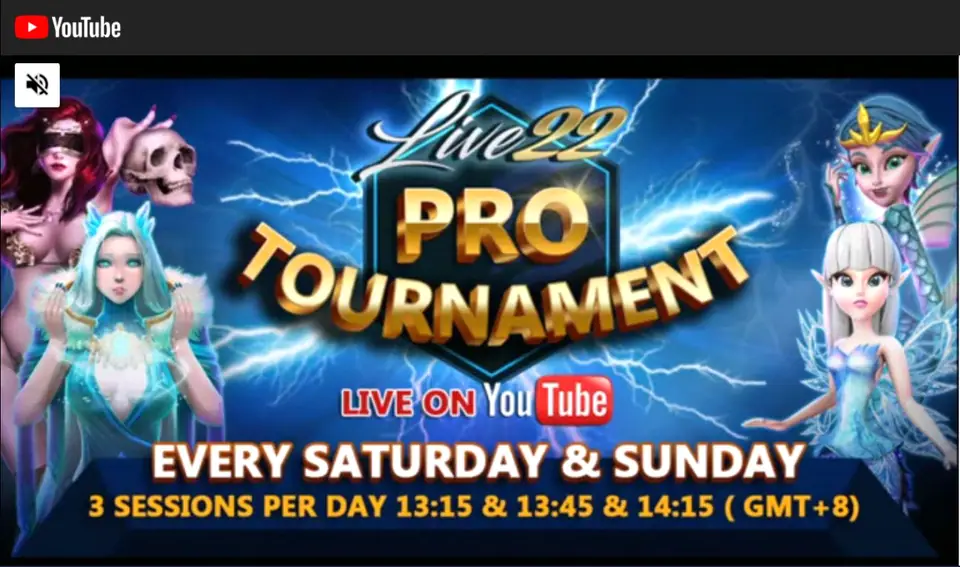
The old page listed a Monday 8pm game show and weekend tournament sessions at 1.15pm, 1.45pm and 2.15pm, and said past streams were saved for replay. Treat those times as history. If the buttons still work in your build, they will show the current schedule.
For the slots, fishing and table games in the lobby and how Live22 credit is handled, see the Live22 platform page. The rest of the app notes live under downloads.
Live22 is an unregulated app and online gambling is restricted in Malaysia. Adults only; top up what you can lose, nothing more.
Questions readers ask
Can I still play Live22 on a Mac?
The old page had a Mac package, which few apps of this kind offered. Whether a current Mac build exists is something to confirm with your provider before you go looking for one.
Are the Live22 YouTube tournaments still on?
The schedules on the old page date from around 2019 and may have changed or stopped. Check the Live Show and Live Tournament buttons inside the app for what is current.
18+ only. Real-money games; online gambling is restricted in Malaysia. Never top up money you need, and stop if it stops being fun. Responsible gaming.